Pause Is Not a Breakup: The Subscription Button That Keeps the Meter Running
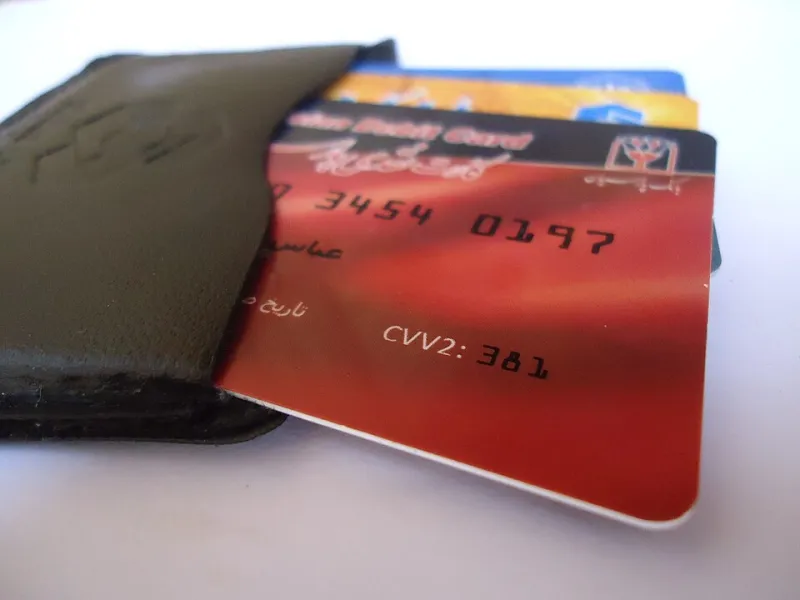
Photo: Gannu03, CC BY-SA 4.0, via Wikimedia Commons
The button that looks like mercy
You go to cancel a streaming service, a meal-kit box, or a software plan, and the screen offers you a softer option: pause for one month, three months, six months. It sounds reasonable. You are not really using it right now. Why not keep the account warm? That is the moment the retention machine starts working. In 2026, pause is less a customer-friendly feature than a churn softener. It keeps the account open, the card on file, and the billing relationship alive.
The trick is not that pause is always a scam. Sometimes it is genuinely useful. The problem is what happens after you click it. Many services treat pause as a temporary status, not a cancellation. When the pause window ends, the subscription resumes on its own. You may get a reminder email. You may not. Either way, the default is usually renewal, not goodbye.
The retention math behind the pause offer
Subscription businesses measure churn. A cancel is a clean loss. A pause is a maybe. It keeps the customer in the funnel, preserves the payment token, and gives the company another chance to win you back with a discount, a feature update, or simply the fact that you forgot. That is why pause offers often appear at the exact moment you try to leave. The prompt may be phrased as a question: are you sure you want to lose access? It may pre-select a pause option. It may hide the cancel link behind another screen.
Some services also use pause to keep a renewal notice schedule running. Your account is still active in their system, so you may keep getting statements, renewal reminders, or annual price-change notices. That can make a paused subscription look alive even when you have stopped using it. If you see a renewal notice for something you thought was paused, do not assume it is a mistake. Check the account status and the terms you agreed to.
Where a paused subscription still shows up
A pause can leave footprints before the billing resumes. You might see a small pending authorization or verification charge on your card. Not every company does this, but some keep a payment method on file and test it. You might also see the subscription listed as active in your banking app's recurring payment section. That matters because some card issuers use recurring-payment data to approve or flag charges. If the merchant has a live billing agreement, a future charge may not look suspicious to your bank.
The bigger footprint is the renewal notice. A paused account can still generate emails that look like bills. Read the language carefully. A message that says your plan will resume on a certain date is not the same as a message that says your plan has been canceled. If the email includes a date when billing restarts, you still have a subscription problem.
The paper-trail script for a real cancellation
If you want out, do not rely on the pause button or a chat window that disappears. Send an email to the company's support address and keep a copy. Use clear language. Here is a script you can adapt:
'Hello. I am requesting immediate cancellation of my subscription for [service name], account email [your email]. I do not want a pause, skip, or temporary hold. Please cancel the account effective today and confirm in writing that no future charges will be made. Please also confirm the date of my final billing period, any refund owed, and that my stored payment method has been removed from active billing. Send confirmation to this email address. Thank you.'
Then save the email. If the company replies with a pause offer, reply once: 'I decline the pause. Please process the cancellation as requested and send written confirmation.' If they ask you to call, call, but ask for a confirmation email or reference number before you hang up. If a charge appears after you have written confirmation, dispute it with your card issuer and include the email trail.
Make the default work for you
Before you pause anything in 2026, check three things: the resume date, the notice policy, and whether the account will still be active. Put the resume date in your calendar with a reminder a week before. Better yet, cancel if you are not sure you will come back. A pause is only a good deal if you actually want the service back and you trust the company to remind you. Otherwise, the pause button is just a delay on the cancel button. And delay is exactly what the billing department is counting on.